MCP Server
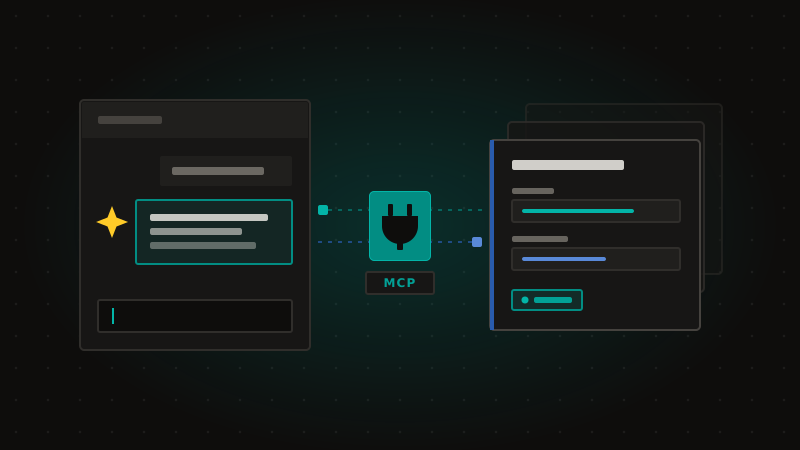
Introducing the Agility CMS Model Context Protocol (MCP) Server.
The Agility MCP Server connects your AI agent directly to your Agility instances, letting it make changes on your behalf through natural conversation, no API knowledge required. Whether you're drafting a new blog post with AI, running large-scale content updates, building out content models, or uploading media across locales, your agent can now do it for you.
What it does
The MCP Server exposes Agility CMS to AI tools through the Model Context Protocol. Your assistant can find your instances and locales, read and change content models and components, create and update content items, manage pages and sitemaps, and upload media, all by asking for it in plain language.
Who can see what
Each person signs in with their own Agility account over OAuth 2.0. The assistant sees exactly the instances and content that account can reach, and every call runs with that account's permissions. There is no shared or service credential, and enabling the connector for a workspace grants no content access by itself.
Getting started
- Claude: Agility CMS is an official connector. Open Customize, then Connectors, then Discover, and search for Agility CMS.
- Claude Code:
claude mcp add --transport http Agility-CMS https://mcp.agilitycms.com/api/mcp - VS Code, Cursor and others: use the one-click install on the setup page, or point the tool at
https://mcp.agilitycms.com/api/mcp.
Screenshots