Content Operations (Content Ops) with the Agility CLI
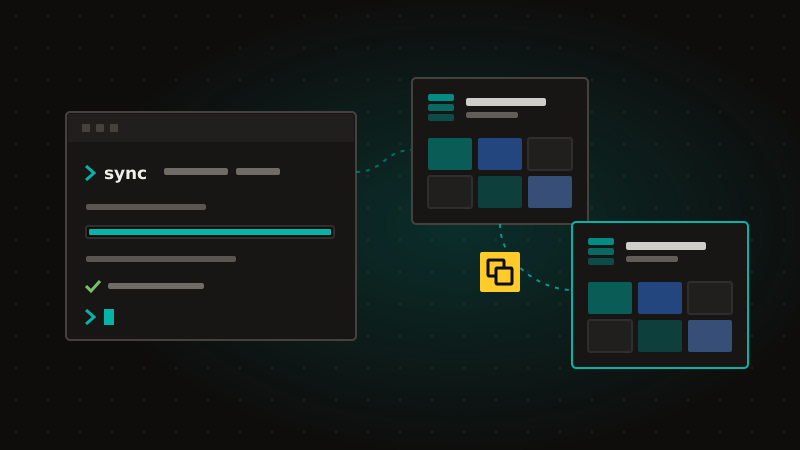
Content Operations, or Content Ops, gives your content the same pipeline your code already has. With the Agility CLI you copy models, components, content and pages from one Agility instance to another, from a terminal or a CI job, and prove the result is right.
How Content Ops works
- Pull.
agility pulltakes a snapshot of an instance: models, components, content, pages, templates, assets and URL redirections. - Preview.
agility sync --preflightwrites nothing. It lists every create, update and skip, any conflict, and any item missing a required field. - Sync.
agility synccopies what you choose, with everything it depends on. Scope it to a few models, one page and its children, one container or one locale, and publish on arrival with--autoPublish. - Verify.
agility verifycompares the target with the source, item by item, and exits 0 when they match, so your pipeline can stop on any difference. - Reverse sync and bulk workflow.
agility reverse-syncsends edits made in the target back to the source, andagility workflowspublishes, unpublishes, approves or declines synced content in bulk. - Built for CI. Personal Access Tokens sign the CLI in without a browser, and
--jsonSummarygives your pipeline a pass or fail it can read. A sync never deletes anything in the target.
Who Content Ops is for
Most teams run one instance per project, often with a sandbox, and that's all they need. Content Ops still handles two everyday jobs for them: moving content to and from a sandbox, and starting a new project from a previous instance as a template. And it's built for the teams who run more: content that follows code through dev, QA, UAT and production; one model change rolled out to every brand and region; and agencies starting every client from a master instance.
Content Ops or the MCP server?
The Agility MCP server can move content between instances too, and it's great for a one-off move. The CLI keeps a mapping log of everything it has synced, with versions and conflict detection, so it's the right tool for syncs you run again and again.
Copying pages and items between instances from inside the Content Manager is planned.