Control which components editors can use
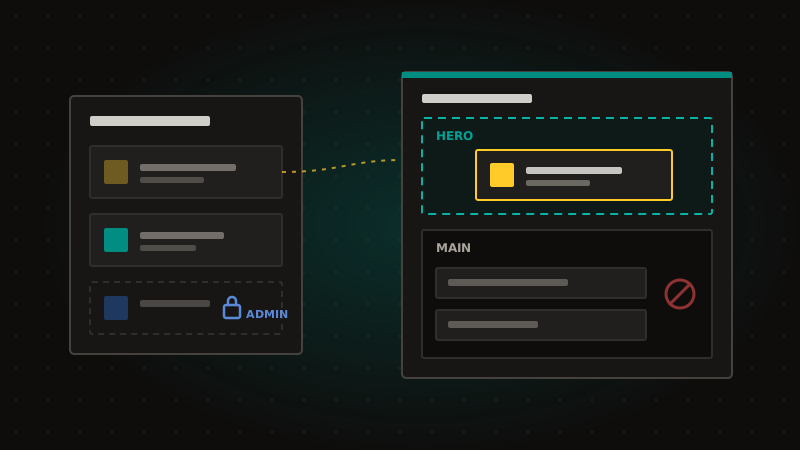
Decide, for each component, who can add it to a page and where it can go, so pages keep the structure you designed. Now in private beta.
Who can add it: anyone who can edit the page, only certain people (Designers, Managers, or specific users and teams; Administrators always can), or nobody, which disables the component without deleting it.
Where it can go: all sitemaps or only the ones you choose, and any page model or only chosen page models and zones. For example, keep a hero component in the hero zone.
Rules only apply when a component is added, moved to another zone or copied. Components already on a page keep working and stay editable. The page editor only offers what's allowed, and the same rules are enforced for the Management API, MCP and CLI, with a clear reason when something is refused.
Rules belong to each instance, so CLI syncs keep them as you set them, and a component you disable on one instance stays disabled.